Home / Statistical Tools / QFD, FMEA, & Pugh / QFD / Qfd Tutorial / How to edit PCM
How to edit PCM
Step #1: Activate the sheet that contains the PCM you want to modify.
Step #2: Select QXL Stat Tools Tab > Pairwise > Modify Pairwise Matrix... from the menu bar.
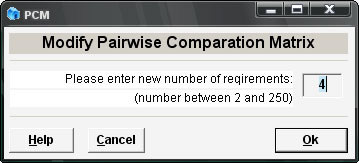
Step #3: Enter a new number of customer requirements.
Note
If the new number is less than the original number of requirements, some data will be truncated. All of the text outside of the PCM will remain intact.
Step #4: Press Ok.
The PCM will be modified to show the new number of customer requirements.