Home / Statistical Tools / QFD, FMEA, & Pugh / Pugh / Create And Modify / Insert Group
Insert Group
From Excel click...
QXL Stat Tools Tab > Pugh > Insert > Group
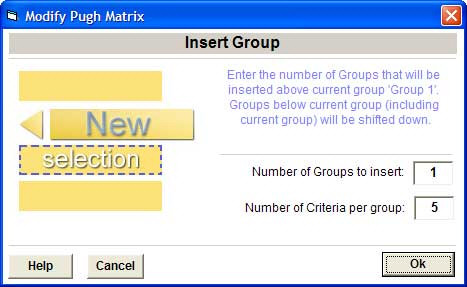
Use this option to insert a new group(s) before the selected group in the existing Pugh matrix.
-
Number of Groups to insert: Requirements are grouped in logical sections. Enter the number of groups to be added.
-
Number of Criteria per group: Enter the number of decision criteria to be added in the new group(s).